PayloopPayloop
CommunityVoicesToolsDiscoverLeaderboardReportsBlog
Save Up to 65% on AI
Powered by Payloop — LLM Cost Intelligence
Tools/Canva AI vs Clipdrop
Canva AI

Canva AI

ai-design
vs
Clipdrop

Clipdrop

ai-design

Canva AI vs Clipdrop — Comparison

Overview
What each tool does and who it's for

Canva AI

Clipdrop

Remove background, cleanup pictures, upscaling, Stable diffusion and more…

Resize your images for any social media Generate high-resolution realistic images with AI Teleport anything, anywhere with AI Extract the main subject from a picture with incredible accuracy. It's like magic. Remove objects, people, text and defects from your pictures automatically. Uncrop your photos to any image format Upscale your images by 2x or 4x in seconds. It can also remove noise and recover beautiful details. Relight your images with beautiful lights. Everything you need to start creating great visuals Increase conversion, by integrating the best technology in your platform.

Key Metrics
—
Avg Rating
—
0
Mentions (30d)
0
—
GitHub Stars
—
—
GitHub Forks
—
—
npm Downloads/wk
—
—
PyPI Downloads/mo
—
Community Sentiment
How developers feel about each tool based on mentions and reviews

Canva AI

0% positive100% neutral0% negative

Clipdrop

0% positive100% neutral0% negative
Pricing

Canva AI

Clipdrop

usage-based + subscription + tiered
Features

Only in Clipdrop (9)

Universal ResizerText to imageReplace backgroundRemove backgroundCleanupUncropImage upscalerRelightText remover
Product Screenshots

Canva AI

No screenshots

Clipdrop

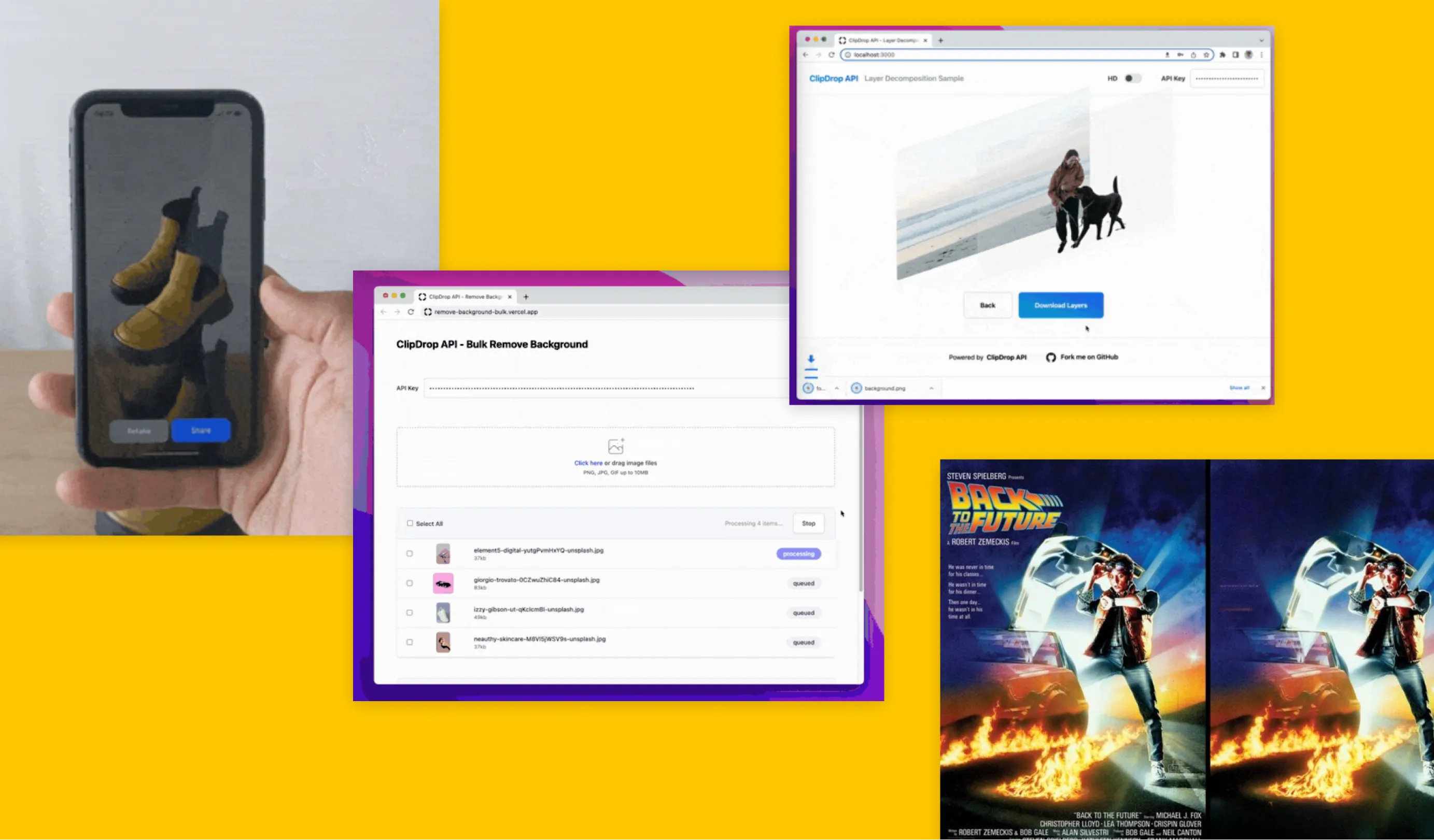
Clipdrop screenshot 1Clipdrop screenshot 2Clipdrop screenshot 3
Company Intel
information technology & services
Industry
information technology & services
5,000
Employees
—
$992.9M
Funding
$1.4M
Other
Stage
Merger / Acquisition
Supported Languages & Categories

Canva AI

Clipdrop

Developer Tools
View Canva AI Profile View Clipdrop Profile