PayloopPayloop
CommunityVoicesToolsDiscoverLeaderboardReportsBlog
Save Up to 65% on AI
Powered by Payloop — LLM Cost Intelligence
Tools/Label Studio vs Prodigy
Label Studio

Label Studio

ai-labeling
vs
Prodigy

Prodigy

ai-labeling

Label Studio vs Prodigy — Comparison

Overview
What each tool does and who it's for

Label Studio

A flexible data labeling tool for all data types. Prepare training data for computer vision, natural language processing, speech, voice, and video mod

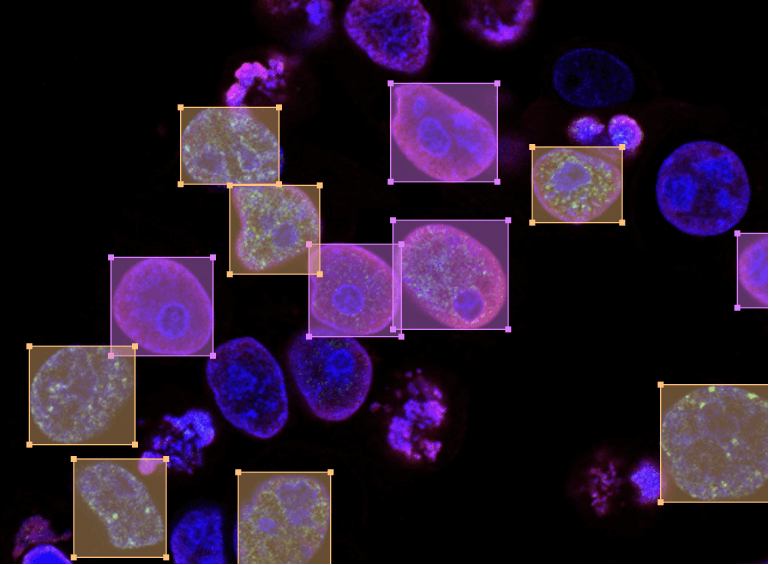
The most flexible data labeling platform to fine-tune LLMs, prepare training data, or evaluate AI systems. Label data for supervised fine-tuning or refine models using RLHF Response moderation, grading, and side-by-side comparison Use Ragas scores and human feedback Detect objects on image, boxes, polygons, circular, and keypoints supported Partition image into multiple segments. Use ML models to pre-label and optimize the process Partition an input audio stream into homogeneous segments according to the speaker identity Tag and identify emotion from the audio Write down verbal communication in text Classify document into one or multiple categories. Use taxonomies of up to 10000 classes Extract and put relevant bits of information into pre-defined categories Answer questions based on context Determine whether a document is positive, negative or neutral Put time series into categories Identify regions relevant to the activity type you're building your ML algorithm for Label single events on plots of time series data Call center recording can be simultaneously transcribed and processed as text Put an image and text right next to each other Use video or audio streams to easier segment time series data Label and track multiple objects frame-by-frame Add keyframes and automatically interpolate bounding boxes between keyframes Configurable layouts and templates adapt to your dataset and workflow. Webhooks, Python SDK and API allow you to authenticate, create projects, import tasks, manage model predictions, and more. Save time by using predictions to assist your labeling process with ML backend integration. Connect to cloud object storage and label data there directly with S3 and GCP. Prepare and manage your dataset in our Data Manager using advanced filters. Support multiple projects, use cases and data types in one platform. Vector annotation, an interactive task source viewer, and workflow improvements across the Data Manager and Template Builder. A practical workflow for onboarding and evaluating annotators with clear instructions, calibration, quality gates, reviewer feedback, and dashboards that keep labeling consistent as volume grows. How do you build the right labeling interface in Label Studio? This video walks through a practical progression: start with templates, customize with XML tags, extend with React Code, and standardize workflows with plugins.

Prodigy

A downloadable annotation tool for LLMs, NLP and computer vision tasks such as named entity recognition, text classification, object detection, image

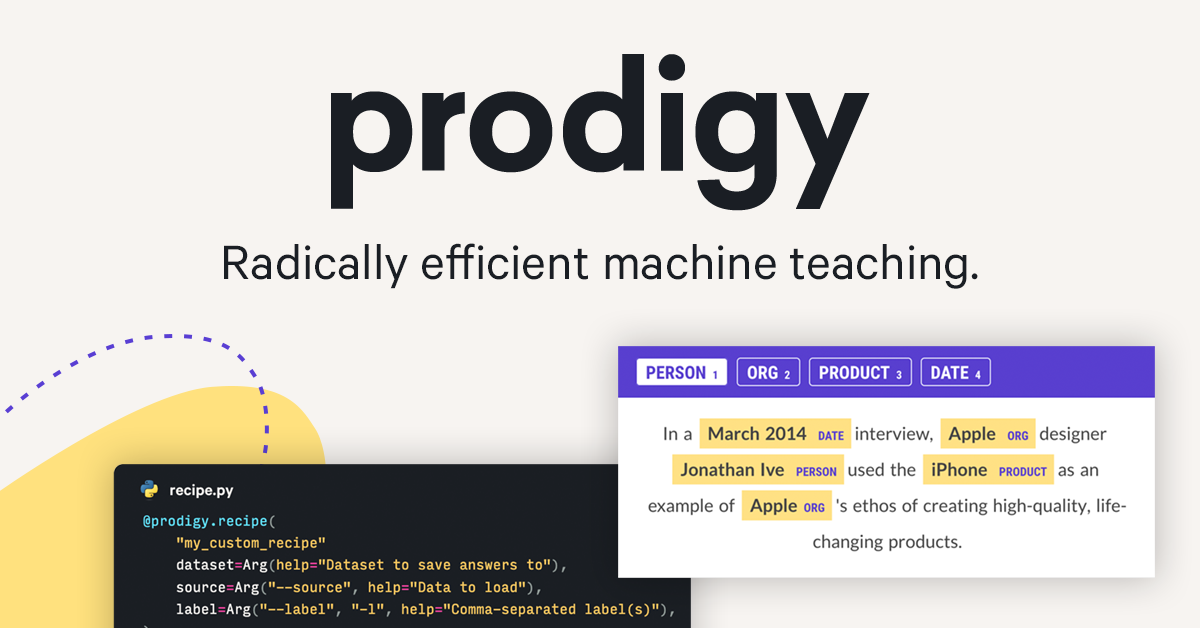
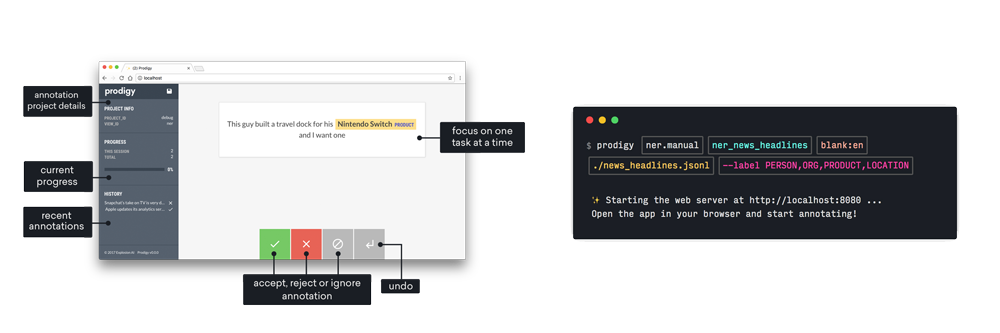
Prodigy is an extensible annotation tool that gives you a new way to build custom AI systems. Define your classification scheme with real-world examples rather than just prompts, and let powerful models assist – no machine learning experience required. Prodigy runs entirely under your control, making it suitable for even the strictest privacy requirements. You can download it and run it locally right out of the box, or adapt it to serve your infrastructure needs. The models you produce are yours as well, with absolutely no lock-in. Prodigy is a downloadable developer tool for creating training and evaluation data for machine learning models. You can use Prodigy to build custom AI systems specific to your use case that you can own and control. Prodigy is a Python package and library that includes a web application. You can customize Prodigy with your own Python functions, and mix and match frontend components to make your own annotation experience. Prodigy integrates tighly with spaCy, but can also be used with any other libraries and tools. The library includes a range of pre-built workflows and command-line commands for various common tasks, and components for implementing your own workflow scripts. Your scripts can specify how the data is loaded and saved and even define custom HTML and JavaScript. The web application is optimized for fast, intuitive and efficient annotation. Prodigy runs entirely on your own machines and never “phones home” or connects to our or any third-party servers. Once installed, you can even operate it on an entirely air-gapped machine without internet connection. All data and models you use and create stay entirely private and under your control. Prodigy allows for extensive customization. A range of built-in settings makes it easy for non-experts to customize the experience, and the developer API and SDK lets you integrate the tool into your existing workflows and build powerful extensions for custom use cases. At the core of Prodigy’s developer experience are recipes , Python functions that describe a workflow. Recipes can implement custom data processing and model training logic, integrate with third-party or internal libraries and tools and provide reusable workflows for your team that can be run without requiring programming or machine learning expertise. Prodigy also allows combining interfaces to build fully custom solutions, as well as implementing your own interactive interfaces with HTML, CSS and JavaScript. Prodigy is designed as a developer tool and assumes basic familiarity with the Python programming language and the command line. We also provide extensive documentation and examples to help you get started. Once you’ve set up an annotation task, the web application makes it easy for anyone to create annotations, no programming experience required. Prodigy is an extensible annotation tool that gives you a new way to build custom AI systems. Define your classification scheme with real-world example

Key Metrics
—
Avg Rating
—
0
Mentions (30d)
0
26,922
GitHub Stars
—
3,464
GitHub Forks
—
—
npm Downloads/wk
—
—
PyPI Downloads/mo
—
Community Sentiment
How developers feel about each tool based on mentions and reviews

Label Studio

0% positive100% neutral0% negative

Prodigy

0% positive100% neutral0% negative
Pricing

Label Studio

tiered

Prodigy

subscription + tiered
Features

Only in Label Studio (10)

LLM Fine-TuningLLM EvaluationsRAG EvaluationImage ClassificationObject DetectionSemantic SegmentationClassificationSpeaker DiarizationEmotion RecognitionAudio Transcription

Only in Prodigy (10)

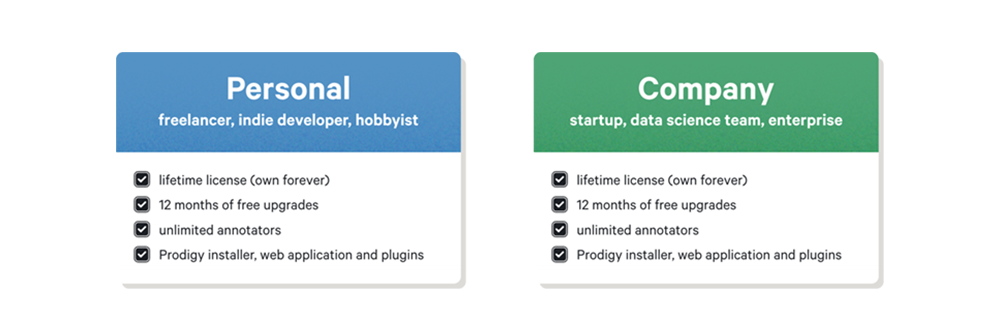
Downloadable developer tool and libraryCreate, review and train from your annotationsRuns entirely on your own machinesPowerful built-in workflowsLifetime license, pay once, use foreverFlexible options for individuals and teamsFull privacy, no data leaves your serversDownload and install like any other libraryNavigationIndustries
Developer Ecosystem
50
GitHub Repos
—
828
GitHub Followers
—
7
npm Packages
—
2
HuggingFace Models
—
—
SO Reputation
—
Product Screenshots

Label Studio

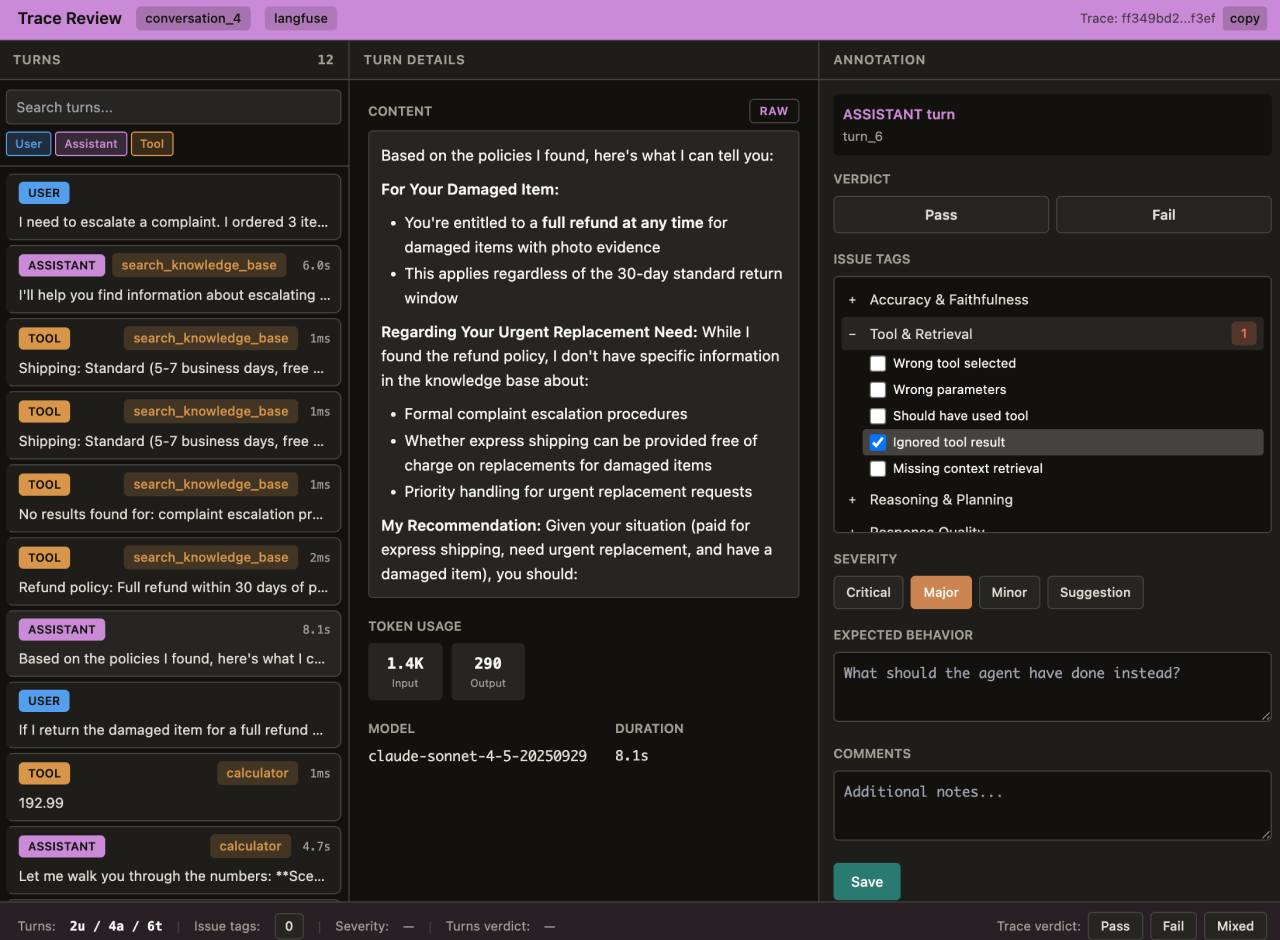
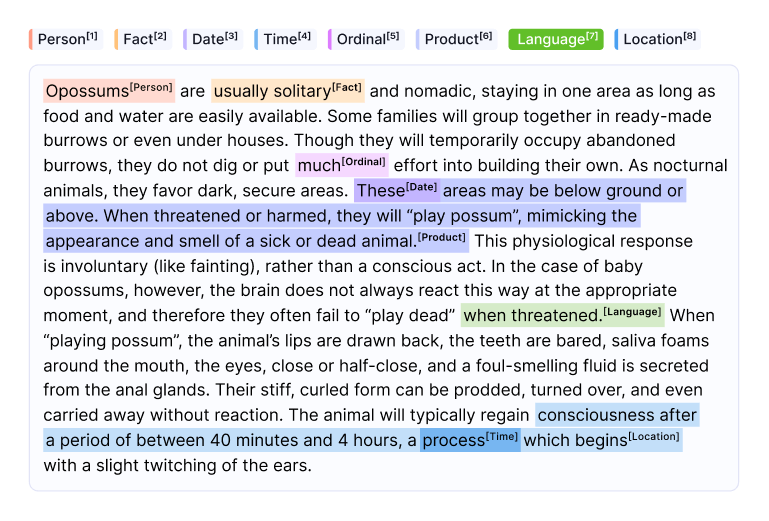
Label Studio screenshot 1Label Studio screenshot 2Label Studio screenshot 3Label Studio screenshot 4

Prodigy

Prodigy screenshot 1Prodigy screenshot 2Prodigy screenshot 3
Company Intel
graphic design
Industry
information technology & services
—
Employees
—
—
Funding
—
—
Stage
—
Supported Languages & Categories

Label Studio

AI/MLAnalyticsDeveloper Tools

Prodigy

AI/MLFinTechDevOpsSecurityDeveloper Tools
View Label Studio Profile View Prodigy Profile