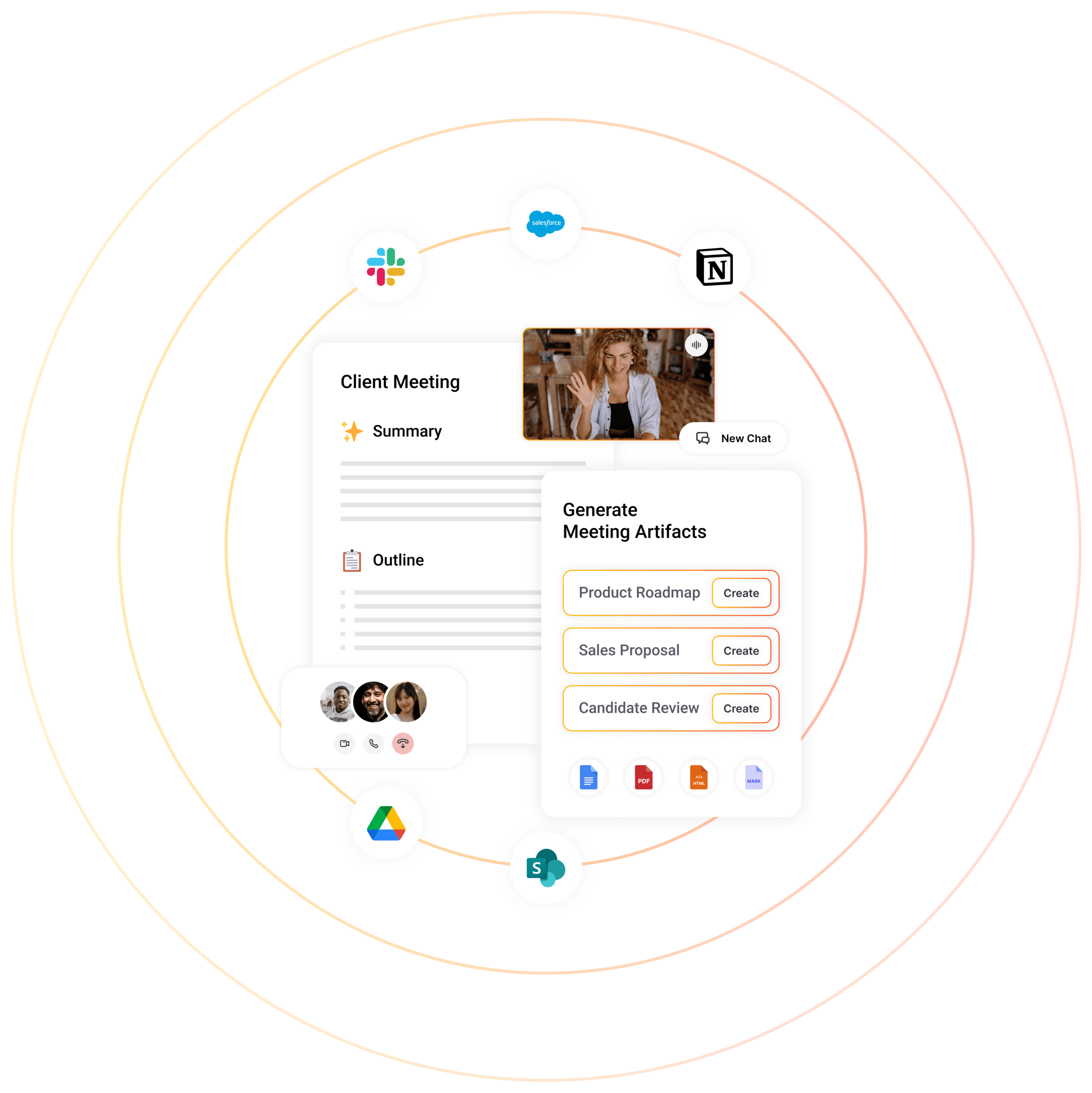
Generate client-ready deliverables that win. Let meeting intelligence turn interactions into meeting notes, tasks, and bespoke work products.
Sembly AI is praised for its ability to streamline meeting notes and provide accurate transcriptions, which users find particularly beneficial for team productivity. However, details on key complaints are scarce due to the limited data available from social mentions. The pricing sentiment appears to be neutral or unmentioned, suggesting that it may not be a significant concern for users. Overall, Sembly AI maintains a positive reputation for enhancing meeting efficiency, though specific dislikes or pricing concerns are not prominently discussed in the available data.
Mentions (30d)
0
Reviews
0
Platforms
2
Sentiment
14%
1 positive


Sembly AI is praised for its ability to streamline meeting notes and provide accurate transcriptions, which users find particularly beneficial for team productivity. However, details on key complaints are scarce due to the limited data available from social mentions. The pricing sentiment appears to be neutral or unmentioned, suggesting that it may not be a significant concern for users. Overall, Sembly AI maintains a positive reputation for enhancing meeting efficiency, though specific dislikes or pricing concerns are not prominently discussed in the available data.
Features
Use Cases
Industry
information technology & services
Employees
23
Funding Stage
Seed
Total Funding
$5.3M
Pricing found: $17, $29, $39, $10, $20
J'utilise Claude comme un "assistant d'écriture" et je trouve ça génial
Je ne suis pas un grand fan de l'IA générative de façon générale. Je comprends l'utilité en programmation / code, et j'espère que cela permettra de faire avancer la médecine, mais je n'aime pas du tout le fait que des gens utilisent ça comme un psy - même si je comprends que ça peut être une bonne béquille à court terme quand votre prochain rendez-vous psy est dans 3 semaines - ou pour faire de "l'art" à leur place, notamment la génération d'images et de vidéos qui pose un milliard de problèmes culturels, éthiques et environnementaux. Mais je tente de l'utiliser d'une façon éthique et mesurée. J'ai commencé, en juillet dernier, la rédaction de mon premier roman. Il faut savoir que je suis très fier de mon style d'écriture, j'estime très bien écrire et il est hors de question qu'une IA écrive la moindre ligne de mon livre à ma place ; je souhaite être aussi légitime que tous les auteurs qui m'ont précédé. Mais j'ai utilisé l'IA dès le début comme un assistant pour deux tâches : la recherche rapide d'éléments historiques m'aidant à crédibiliser le cadre de mon histoire (en lui demandant toujours des sources), et surtout pour discuter de l'intrigue du roman, l'analyser, me faire un retour sur chaque chapitre. J'ai toujours bien écrit dans ses paramètres que je l'autorisais à me signaler des fautes et des tournures de phrases maladroites, mais que je lui interdisais de me proposer sa propre version d'une phrase. Jusqu'à récemment, j'ai bien sûr utilisé ChatGPT pour cela, et autant cela faisait très bien le taf niveau recherche historique (et cela m'a permis d'économiser un temps précieux), autant je n'étais pas du tout satisfait du côté "discussion autour du livre" car je le trouvais très flatteur et imprécis, avec beaucoup d'hallucinations (plus encore au fur et à mesure que le roman a grandi, jusqu'à atteindre plus de 120 pages actuellement). Je m'en satisfaisais tout de même jusqu'à ce que je décide de supprimer mon compte ChatGPT lorsque j'ai appris le soutien de son patron à Trump et la façon dont OpenAI contribue à sa politique, d'autant plus que l'entreprise semble de plus en plus se diriger vers une recherche infinie de profits qui justifiera tous les manquements éthiques. Après avoir supprimé ChatGPT, j'ai donc essayé Claude dont je ne connaissais rien, et franchement, je suis hyper impressionné. En termes de recherche historique, je trouve cela d'une qualité équivalente à ChatGPT, mais niveau analyse et discussion, c'est vraiment incroyable. Quand je discute avec Claude, j'ai vraiment l'impression de m'entretenir avec un critique littéraire qui aurait lu mes 120 pages, aurait pris des notes et aurait eu le temps de développer une réflexion passionnante. Il me signale mes réussites, mes erreurs, mes angles morts, avec une subtilité et une précision qui n'ont rien à voir avec ce que proposait ChatGPT. C'est hyper stimulant d'avoir un assistant d'écriture comme celui-ci, de pouvoir discuter avec lui pendant des heures de tes personnages, de ton univers... J'ai des beta-lecteurs humains qui sont hyper réguliers, pertinents, et leur avis compte évidemment bien plus à mes yeux que celui d'un chatbot, mais c'est quand même un super outil pour t'accompagner quand tu veux dans un processus aussi solitaire, et où tu es autant assailli par le doute, que l'écriture. Et cela, sans que l'IA écrive une seule ligne à ta place ! Sans Claude, et GPT avant lui, je pense que j'aurais quand même commencé à écrire, mais avec des descriptions "d'époque" bien moins justes et surtout, beaucoup moins de confiance dans la qualité de ce que je produis. Sachant que je limite mon utilisation de Claude à cela - en tant que Français et Européen, je préfère utiliser Mistral AI pour les petites tâches liées au travail, mais c'est bien plus rare - j'ai l'impression d'entrevoir un monde où l'IA, utilisée avec tempérance et parcimonie, pourrait effectivement aider l'humanité à avancer et les gens à réaliser leur potentiel. Avez-vous aussi des exemples d'une utilisation de l'IA qui vous paraît réfléchie, justifiée et éthique ? submitted by /u/princedemotordu [link] [comments]
View originalConseils pour noobs
Bonjour à tous, Je viens de prendre un abonnement pro avec Claude. Novice en programmation, j'ai commencé avec Claude Free (avant qu'ils ne durcissent les règles). J'ai bien avancé, mais il manque quelques détails à régler. Que me conseillez vous de faire pour ne pas être bloqué comme je viens de l'etre après avoir fait une simple requete ? J'ai enregistré mon fichier (589 Ko en php) dans mon projet et je n'utilise pas Claude Code ou autre. Je suis preneur de conseils et d'avis pour optimiser mon temps, ne pas être bloqué et finaliser mon projet. Merci à vous tous. Edit ; j'ai mis un "prompt Claude" dans mes préferences professionnelles. Ai-je bien fait ? "## DÉMARRAGE DE SESSION Lire tasks/lessons.md — appliquer toutes les leçons avant de toucher quoi que ce soit Lire tasks/todo.md — comprendre l'état actuel Si aucun des deux n'existe, les créer avant de commencer ## WORKFLOW ### 1. Planifier d'abord - Passer en mode plan pour toute tâche non triviale (3+ étapes) - Écrire le plan dans tasks/todo.md avant d'implémenter - Si quelque chose ne va pas, STOP et re-planifier — ne jamais forcer ### 2. Stratégie sous-agents - Utiliser des sous-agents pour garder le contexte principal propre - Une tâche par sous-agent - Investir plus de compute sur les problèmes difficiles ### 3. Boucle d'auto-amélioration - Après toute correction : mettre à jour tasks/lessons.md - Format : [date] | ce qui a mal tourné | règle pour l'éviter - Relire les leçons à chaque démarrage de session ### 4. Standard de vérification - Ne jamais marquer comme terminé sans preuve que ça fonctionne - Lancer les tests, vérifier les logs, comparer le comportement - Se demander : « Est-ce qu'un staff engineer validerait ça ? » ### 5. Exiger l'élégance - Pour les changements non triviaux : existe-t-il une solution plus élégante ? - Si un fix semble bricolé : le reconstruire proprement - Ne pas sur-ingénieriser les choses simples ### 6. Correction de bugs autonome - Quand on reçoit un bug : le corriger directement - Aller dans les logs, trouver la cause racine, résoudre - Pas besoin d'être guidé étape par étape ## PRINCIPES FONDAMENTAUX - Simplicité d'abord — toucher un minimum de code - Pas de paresse — causes racines uniquement, pas de fixes temporaires - Ne jamais supposer — vérifier chemins, APIs, variables avant utilisation - Demander une seule fois — une question en amont si nécessaire, ne jamais interrompre en cours de tâche ## GESTION DES TÂCHES Planifier → tasks/todo.md Vérifier → confirmer avant d'implémenter Suivre → marquer comme terminé au fur et à mesure Expliquer → résumé de haut niveau à chaque étape Apprendre → tasks/lessons.md après corrections ## APPRENTISSAGES (Claude remplit cette section au fil du temps)" https://preview.redd.it/ajpwzh62istg1.png?width=855&format=png&auto=webp&s=2b81f0397ed1916df26fadd8c5fe13c3f42d4518 https://preview.redd.it/udntkh62istg1.png?width=654&format=png&auto=webp&s=5a86218abf301de35d4a5e7af5fec29d063ddfdf https://preview.redd.it/laq7ch62istg1.png?width=905&format=png&auto=webp&s=75eaf41ca9fb16f2791c9858644e25ceb4016534 submitted by /u/GreatAdhesiveness796 [link] [comments]
View originalPricing found: $17, $29, $39, $10, $20
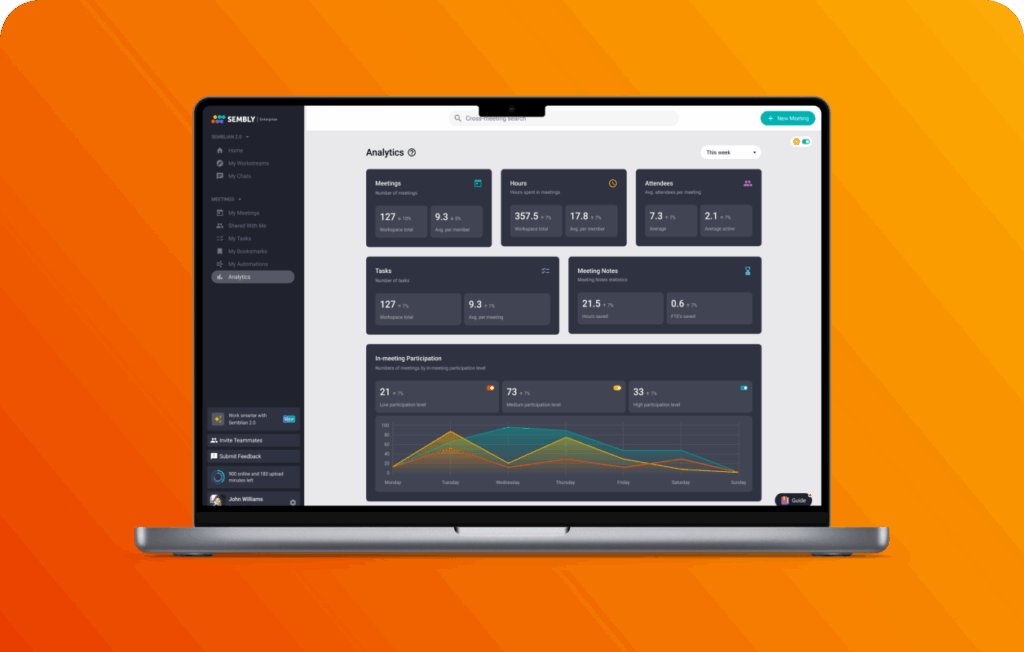
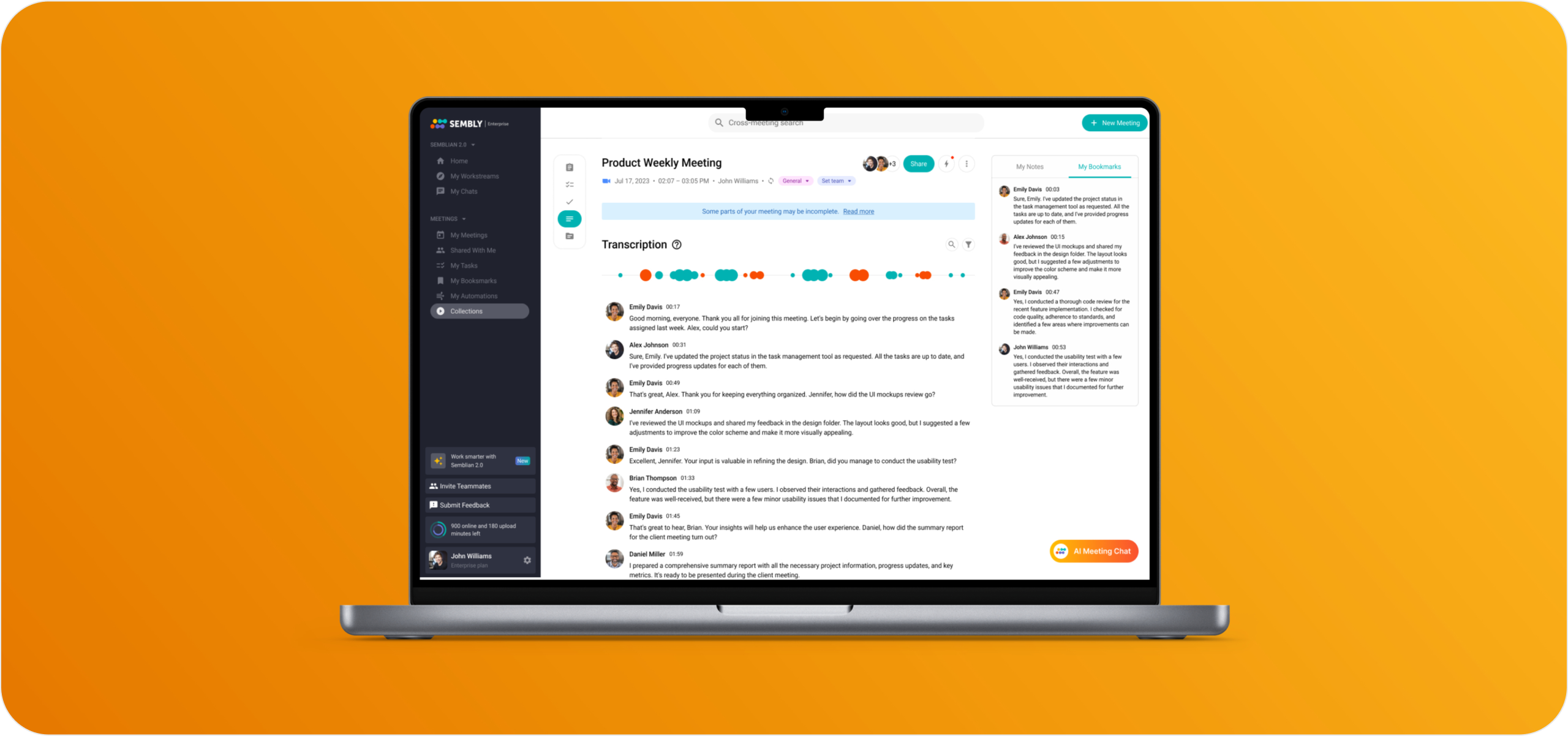
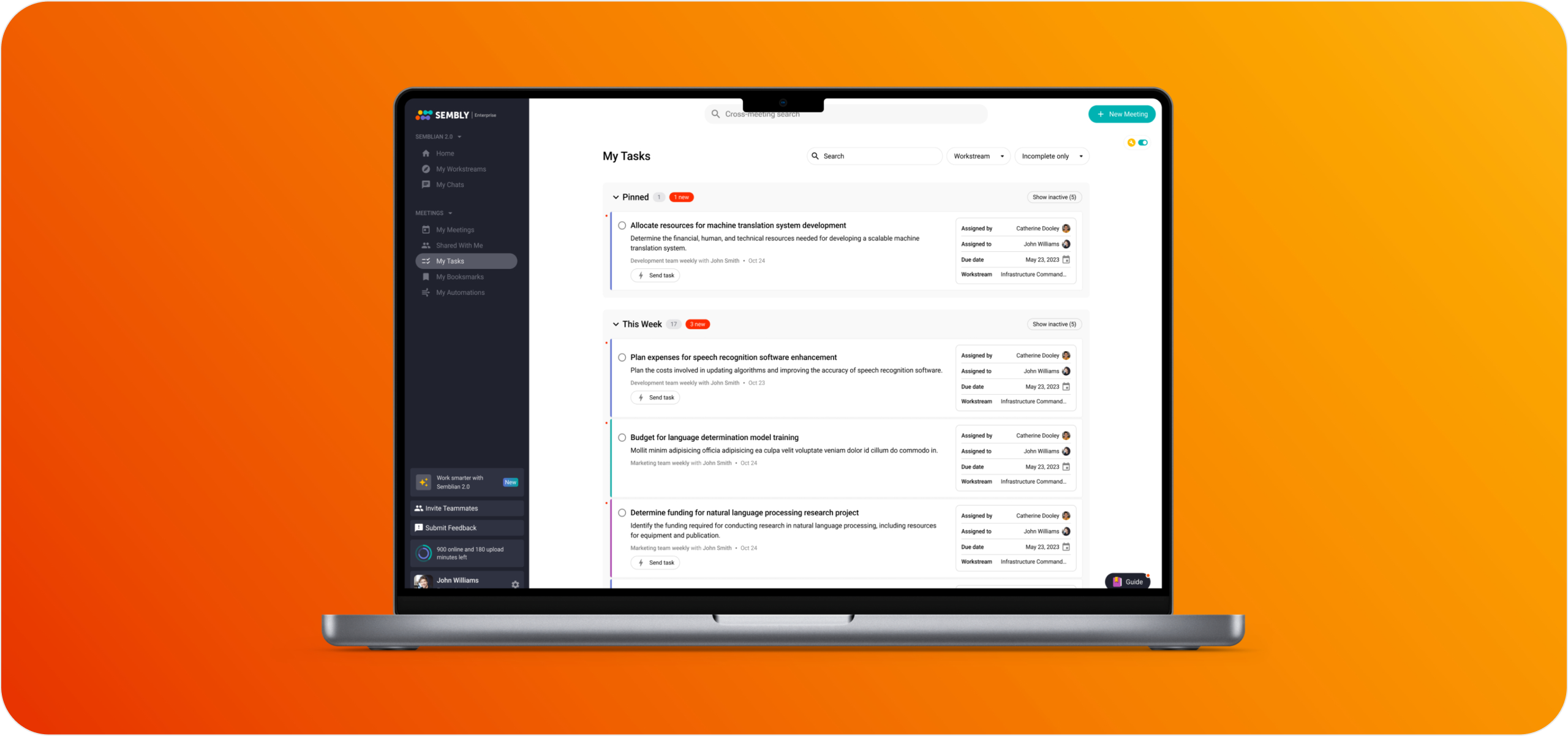
Key features include: The Most Recent Sembly Insights, Other articles you might like, Key Features to Enhance Your Experience, Gap analyses identifying informational gaps and unresolved questions, Board summaries distilling executive meetings into decisions, risks, and strategic signals, Investment memos extracting financial discussions, projections, and stakeholder commitments, File notes of client interactions for legal, compliance, and advisory teams, Compliance summaries aligned with governance and audit requirements.
Sembly AI is commonly used for: “Every action point is recorded and easy to find! ”.
Sembly AI integrates with: Zoom, Microsoft Teams, Slack, Google Meet, Salesforce, Asana, Trello, Jira, Notion, Dropbox.

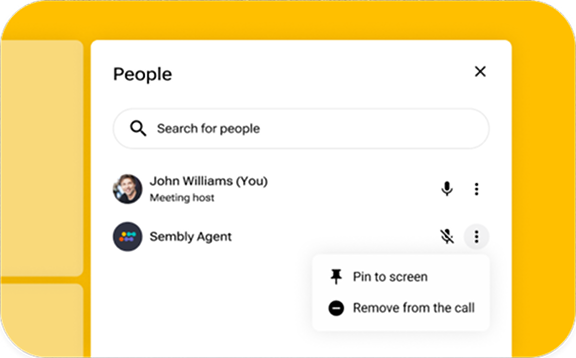
Onboarding steps for the Sembly Team and Team plus plans
May 13, 2025