Beautiful.ai
The AI presentation maker built for speed and polish. Beautiful.ai helps you create professional, client-ready slide decks in minutes. Try it free for
AI presentations built for the way you work Our new AI presentation creation stays true to what you asked for, keeps context intact, and helps you shape the story as it comes together. The result is polished, work-ready slides with fewer edits or rework. Create a polished presentation without dragging a single text box. Smart Slides take care of the design, layout, and spacing as you add, edit, or remove content—so you can skip the formatting and stay focused on your message. The fastest way to see how we're different, watch a quick animated video of our core features. “We reduced time by 75%, our teams now focus on core message, story, and content—not the design.” “Better quality, stories, and speed all come together—we can't do what Beautiful.ai does in any other way.” “It frees up time for our creative team to do more creative work where we actually need it.” Start building Beautiful presentations. Gain the power to make high-performing presentations with your whole team. Marketing needs to approve messaging, Sales wants to add more data, and Legal has a few last-minute changes. Beautiful.ai’s AI tools help teams stay aligned and work collaboratively on decks in one platform. Stay on brand with presentation themes and slide templates with customizable text, fonts, colors, icons, and backgrounds. Protect key information across your organization. Edit slides once, update shared decks everywhere, with access given only to approved librarians. Choose from curated AI presentation templates for every business case–pitch decks, QBRs, marketing campaigns, lectures, and more. Seamlessly import branded images, icons, and logos directly into slides. Ideate and draft presentation content from a prompt with our custom GPT. Get real-time messages and updates about progress on your presentations. Embed and manage your presentations directly inside Monday.com boards. Share decks, track engagement, and gain actionable insights with audiences. Present your deck directly from a web browser or smartphone. Our cheapest plan is $12 per month, billed annually. Check out the full pricing page and our plan details here. You can start a 14-day free trial with unlimited access to all of Beautiful.ai’s AI presentation maker features. Create, edit, and share presentations for free during your trial. Beautiful.ai offers a variety of plans oriented towards individual users, small teams and startups, enterprise implementations, and even one-time slideshow creation. You can also attach supporting files to ground the output in real content, and optionally enable web search when you need current information. Before generating final slide designs, you can set the “rules of the road,” including: Free AI PowerPoint generators usually give you a rough first draft. Then you’re on your own—fixing layout issues, cleaning up design, and reworking slides when the output misses your intent. Beautiful.ai is built for the part that actually takes time: getting to wor
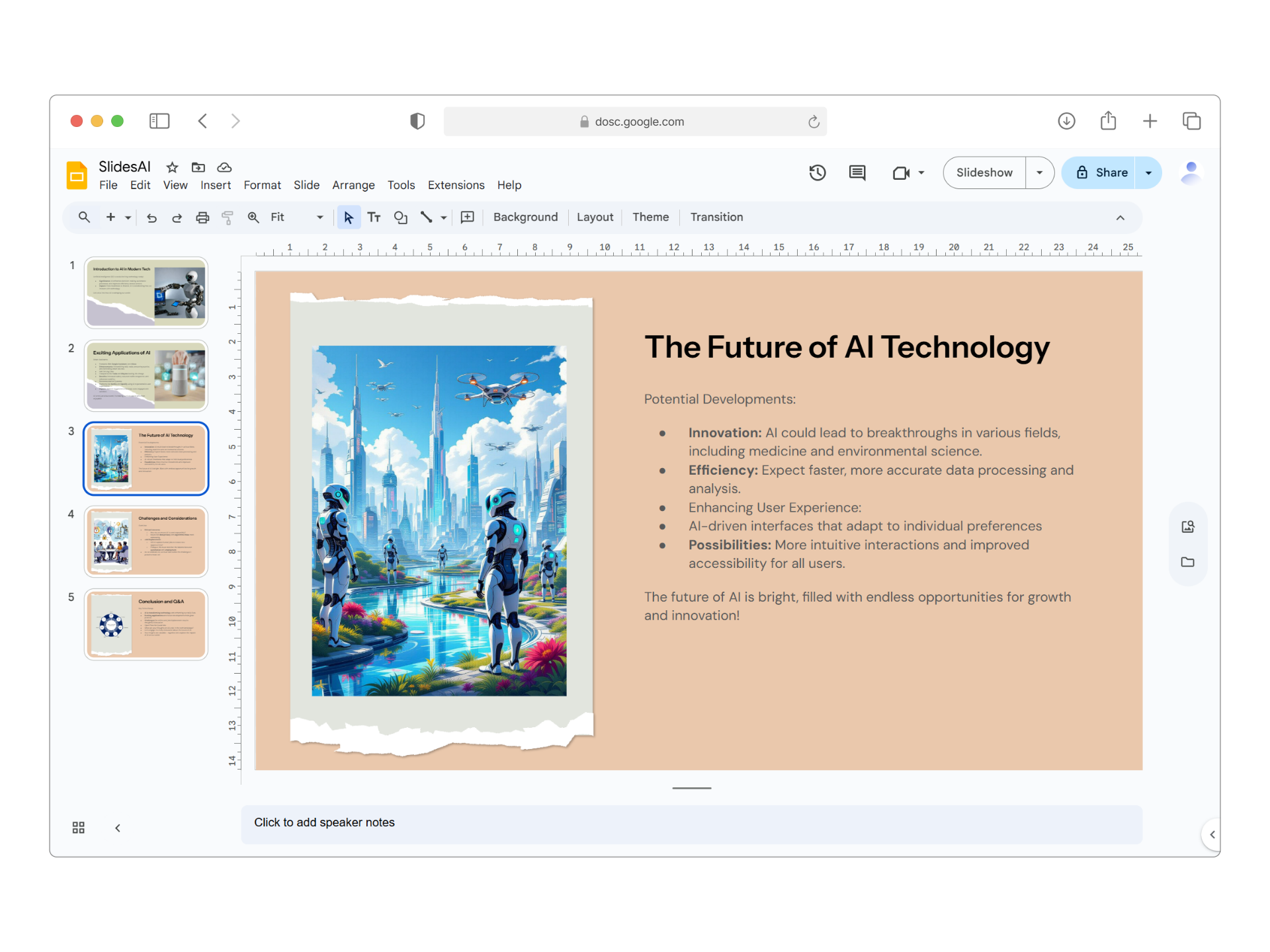
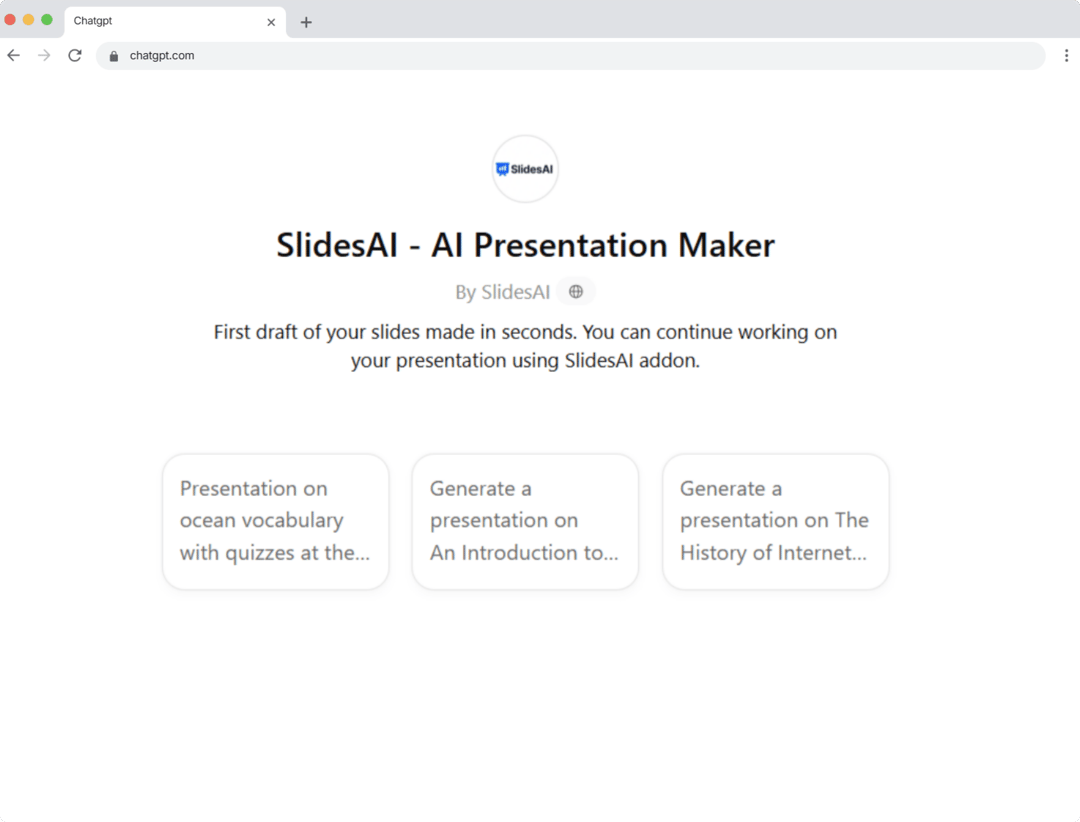
SlidesAI
We've compiled a list of the most common questions we get asked.
Based on the available social mentions, SlidesAI appears to be mentioned primarily on YouTube, though the specific content of these mentions isn't detailed in the provided data. The Reddit discussions focus more broadly on AI tools for productivity and content creation, with users discussing various AI platforms for tasks like presentation creation, course material development, and workflow automation. There's limited specific feedback about SlidesAI's strengths, weaknesses, or pricing from these mentions. Without more detailed user reviews, it's difficult to assess the overall user sentiment or reputation of SlidesAI specifically.
Beautiful.ai
SlidesAI
Beautiful.ai
Pricing found: $12
SlidesAI
Pricing found: $0 /month, $8.33 /month, $100 /year, $16.67 /month, $200 /year
Beautiful.ai (1)
Only in Beautiful.ai (10)
Only in SlidesAI (10)
Beautiful.ai

SlidesAI

Beautiful.ai
SlidesAI


