Motion and Craft cater to different productivity needs, with Motion excelling in task management and Craft in document creation. Motion boasts an average rating of 4.3/5 from 20 reviews, while Craft is praised for its intuitive interface within smaller teams.
Best for
Craft is the better choice when individuals or small teams need a seamless, intuitive note-taking and document management tool with a generous free tier.
Best for
Motion is the better choice when managing complex schedules and tasks is critical, particularly for mid-to-large teams seeking robust integration capabilities.
Key Differences
Verdict
Choose Motion if your team requires comprehensive task scheduling and integration with existing productivity apps; its robust features justify the higher cost for larger organizations. Opt for Craft if your team prioritizes ease of use in document creation and prefers a cost-effective solution for individuals and small teams.
Craft
A free notes and productivity app that follows you across all your devices. Premium features available.
Craft is praised for its rich feature set and intuitive user interface, which many users find enhances productivity and content creation. Common complaints focus on occasional synchronization issues and a lack of advanced collaboration tools. Pricing is generally seen as fair, though some suggest it could be more competitive considering alternatives with similar features. Overall, Craft enjoys a strong reputation for its design and usability, making it popular among individuals and small teams seeking a versatile note-taking and document management solution.
Motion
Motion is built for individuals and teams of all sizes
Users generally praise Motion for its robust functionality and ease of use, particularly appreciating its performance in managing tasks efficiently. However, there are some complaints centered around its learning curve, which can be steep for new users. The pricing sentiment is mixed, with a few users finding it slightly expensive but acknowledging the value it provides. Overall, Motion maintains a strong reputation for reliability and effective task management, as shown by its predominantly high ratings and positive feedback.
Craft
-83% vs last weekMotion
+29% vs last weekCraft
Motion
Craft
Motion
Craft
Pricing found: $0, $8.0, $4.8 /month, $15.0, $9.0 /month
Motion
Pricing found: $700, $250
Craft (10)
Motion (8)
Only in Craft (10)
Only in Motion (10)
Shared (9)
Only in Craft (11)
Only in Motion (6)
Craft
No reviews yet
Motion
What do you like best about Motion?I love that I can send a link to someone that shows preferred times and available times they can meet with BOTH my business partner and me. I also like the permanent links I can set up that allow someone to use their special meeting link over and over again. Review collected by and hosted on G2.com.What do you dislike about Motion?It really wants to cram my day in with activities if I let it. I would like it if I could say, "I only want to do so much deep work in a day vs light work, and have so many breaks." If I let it set my entire schedule, I'd never get to pee. Review collected by and hosted on G2.com.
What do you like best about Motion?This gives us something that works directly with Final Cut and uses the same codecs. We are able to easily move items back and forth as needed. AS the name suggests Motion is fantastic for adding dramatic motions and graphics to any video. Review collected by and hosted on G2.com.What do you dislike about Motion?The rendering time and process can be cumbersome and time consuming at times depending on the graphics and video being used. Review collected by and hosted on G2.com.
What do you like best about Motion?I like that Motion has a user interface that is easy to use and understand. The interface is built very similar to that of Final Cut which makes it very nice when needing to switch between the two applications to achieve different effects. With Motion you are able to achieve the (as the name states) motions that you aren't able to achieve with Final Cut. Review collected by and hosted on G2.com.What do you dislike about Motion?I think the one downfall to Motion which has gotten better is the time it takes to render and save videos. Especially with the videos that have a lot of movement to them which creates a larger file size. Also it seems that the compression you receive with Motion isn't to the degree of the compression you get with other pieces of software like Final Cut or even the dreaded iMovie. Review collected by and hosted on G2.com.
Craft
Motion
Craft
Motion
Craft
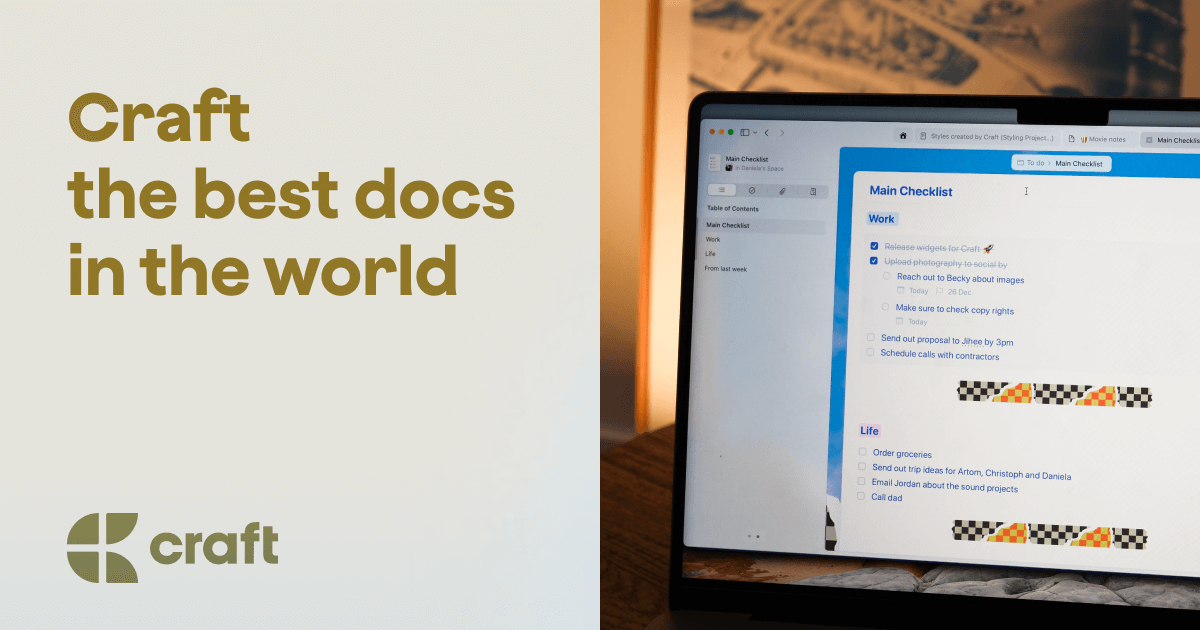
Motion

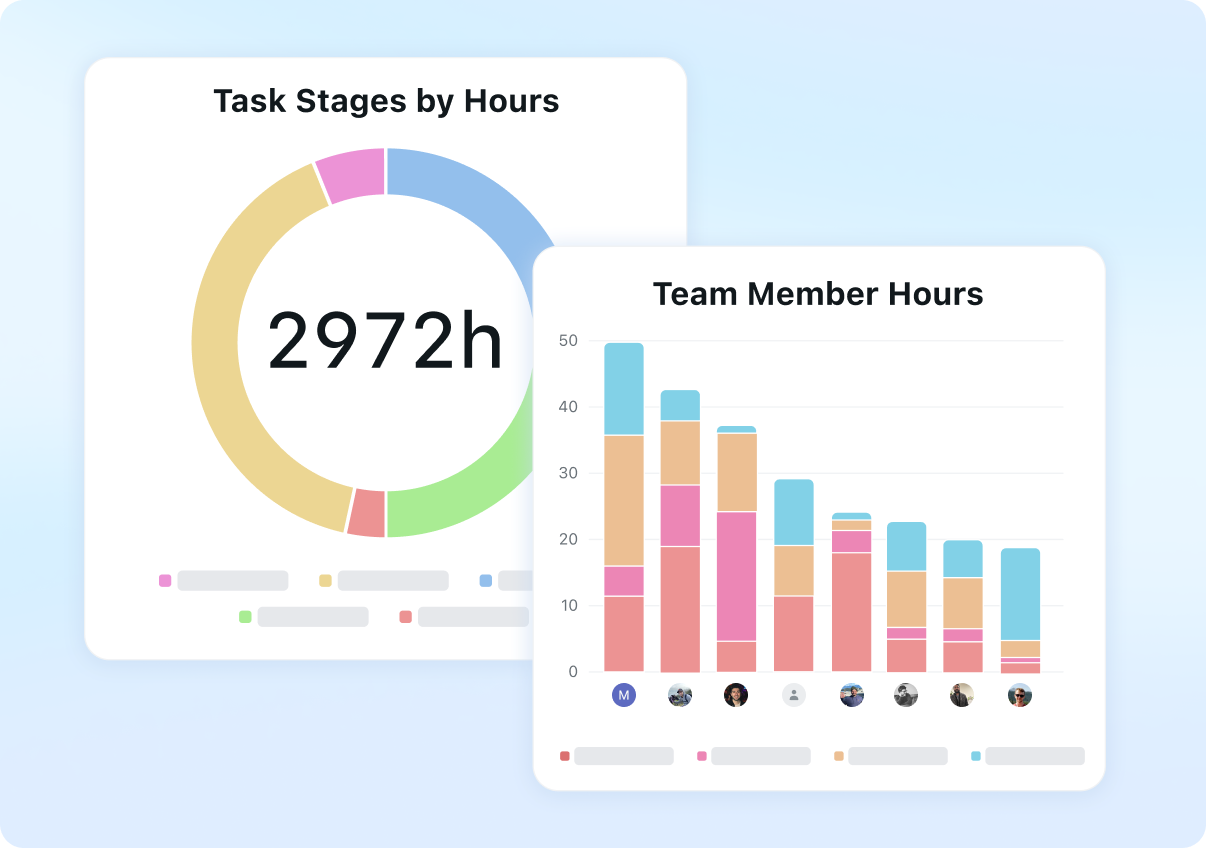
Craft
Motion
Craft
Jailbreak wiki - yell0wfever92 [Mod]
Welcome to the wiki for ChatGPTJailbreak.tech I'm the lead mod, yell0wfever92, and this is where I will be sharing all of the things I've picked up about jailbreaking LLMs. This document will use ChatGPT as the reference model on the OpenAI platform; be aware that there are many other LLMs out there
Motion
Is Flock just a poor US-centric copy of, globally active Genetec?
I've read all of Genetec's [customer stories](https://www.genetec.com/customer-stories/search) (the PDFs), and although I recognize these, as being Genetec marketing material (at least in part), they do contain insightful information, regarding implementation of surveillance systems; that is, from t
Shared (3)
Only in Motion (1)
Motion is better suited for collaborative task management due to its detailed task prioritization and scheduling capabilities.
Motion offers tiered pricing starting at $250, while Craft's pricing is more flexible with a free tier and premium options beginning at $4.8/month.
Motion's community discussions focus on open source and performance, indicating robust user engagement, whereas Craft is noted for its design and usability forums.
Yes, both tools can be integrated as Motion and Craft share common integrations like Slack and Trello, enhancing productivity across platforms.
Craft is generally easier to get started with, thanks to its intuitive interface and free tier, catering to individual users and small teams.


